
Clive Barker's Hellraiser Revival pc requirements: Guide
Clive Barker's Hellraiser Revival pc requirements explained: compare minimum and recommended specs, check storage needs, and tune graphics before you play.
Jump to
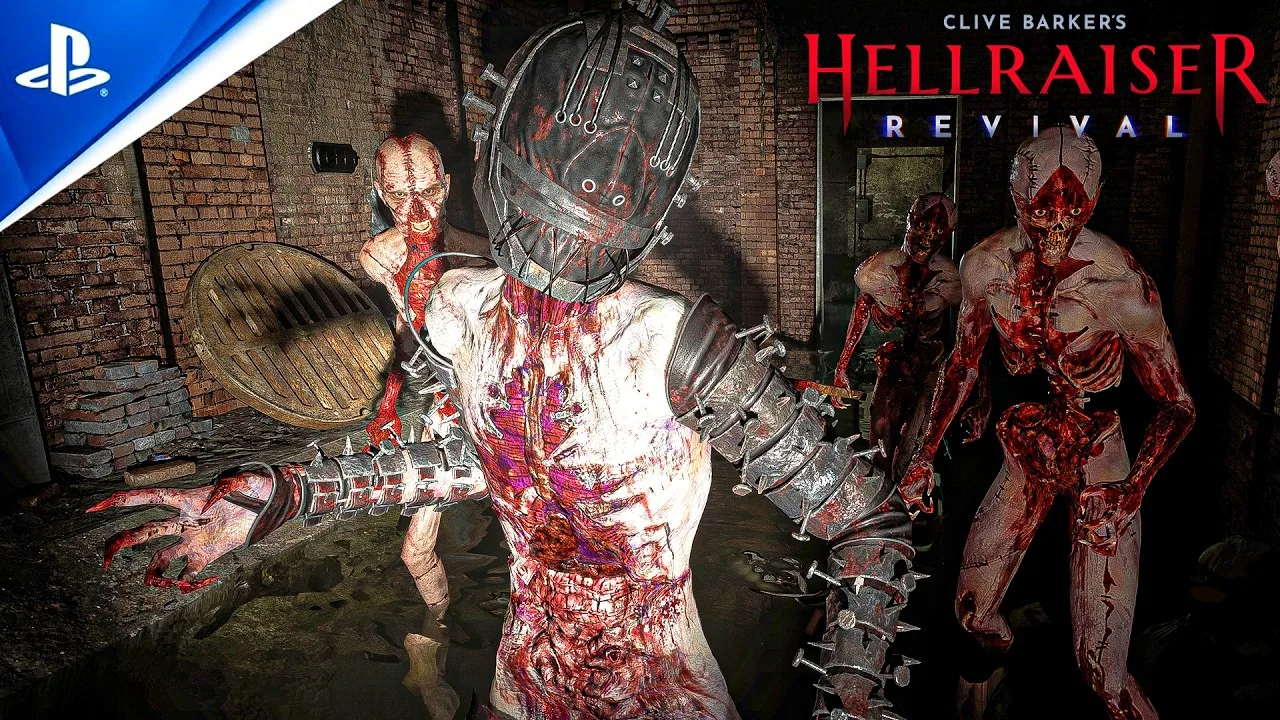
Can Your PC Handle the Labyrinth?
Before you open the Genesis Configuration, make sure your PC is ready for the Labyrinth. Clive Barker's Hellraiser Revival pc requirements start at 8 GB of RAM, a Ryzen 5 1500X or Core i5-8400, and a Radeon RX Vega 64 or GeForce GTX 1660. Checking Clive Barker's Hellraiser Revival pc requirements before installing helps you spot hardware limitations, reserve enough storage, and choose sensible graphics settings.
Saber Interactive’s first-person horror game follows Aidan as he tries to rescue Sunny from the Labyrinth. Between earthly weapons, puzzle-box powers, and encounters with Pinhead’s followers, there is plenty competing for your attention. Getting the technical setup sorted lets you concentrate on the horror.
The Steam listing gives clear minimum and recommended hardware, but it does not specify target resolutions, frame rates, or graphics presets. Use those requirements to assess compatibility, without treating them as a promise of particular performance.
Minimum and Recommended PC Specs
The listed Clive Barker's Hellraiser Revival pc requirements cover Windows, processor, memory, graphics, and storage:
| Component | Minimum requirements | Recommended requirements |
|---|---|---|
| Processor architecture | 64-bit processor | 64-bit processor |
| Operating system | Windows 10 64-bit, 22H2 update or later | Windows 10 64-bit, 22H2 update or later |
| AMD processor | Ryzen 5 1500X | Ryzen 5 5600X |
| Intel processor | Core i5-8400 | Core i5-12400F |
| System memory | 8 GB RAM | 16 GB RAM |
| AMD graphics | Radeon RX Vega 64 8GB | Radeon RX 6600 XT |
| NVIDIA graphics | GeForce GTX 1660 | RTX 3060 |
| Available storage | 80 GB | 80 GB |
| Storage note | SSD recommended | SSD recommended |
You need one suitable processor and one suitable graphics card; the AMD and Intel or NVIDIA entries are alternatives.
For purchase and installation options, visit the Clive Barker’s Hellraiser: Revival Steam store page. Its current system requirements are also the place to check for changes after updates.
What the Requirements Mean for Your Hardware
Reading Clive Barker's Hellraiser Revival pc requirements is straightforward. Interpreting what they mean for your particular machine takes a little more care, especially if your components differ from the named models.
 Image: YouTube / DStrike
Minimum Hardware Is a Starting Point
The minimum specification includes older desktop hardware, but it comes without a stated performance target. A GTX 1660 appearing in the requirements does not establish what frame rate it delivers at a particular resolution.
If your system sits near the minimum, a cautious approach is to begin with reduced graphics settings and assess both responsiveness and image quality. Avoid copying a demanding preset simply because someone with different hardware uses it.
Likewise, meeting the processor requirement does not compensate for an underspecified graphics card. Compare each component separately. A machine can have enough RAM and storage while still falling short elsewhere.
Recommended Hardware Leaves Questions Open
The recommended configuration moves to a Ryzen 5 5600X or Core i5-12400F, pairs it with an RX 6600 XT or RTX 3060, and doubles system memory to 16 GB.
That gives you a clearer hardware reference for planning a purchase or checking an existing desktop. It still does not establish an official “high settings” or 4K target.
If you are considering an upgrade, identify the component that falls short before spending money. An additional RAM purchase will not bring an older graphics card up to the listed GPU requirement.
RAM and Graphics Memory Are Different
The 8 GB RAM minimum refers to system memory. The 8GB designation attached to the RX Vega 64 refers to that graphics card’s memory.
These resources are separate. Do not add graphics memory to system RAM when comparing your computer against the requirements.
The listing names specific graphics cards rather than providing a universal VRAM threshold for every alternative. If your GPU is not listed, its memory capacity alone cannot establish comparable performance.
Allow for Storage and Check Windows
Both hardware tiers ask for 80 GB of available space, and both recommend an SSD. The listing does not make an SSD mandatory.
As practical installation advice, leave additional free space where possible rather than filling the drive to its limit. No separate allowance for updates or temporary installation files is specified, so there is no supported extra-space figure to quote.
Also check your Windows version. Having Windows 10 installed is only part of the requirement: the listing specifies a 64-bit installation with the 22H2 update or later.
Graphics Settings to Use as a Starting Point
Once you meet Clive Barker's Hellraiser Revival pc requirements, graphics settings give you room to balance visual detail against performance.
 Image: YouTube / DanQ8000
The following configuration is an optional starting point drawn from launch-period settings guidance. It is not an official preset or a measured benchmark, and it should not be treated as suitable for every listed GPU.
Display and Main Graphics Options
| Setting | Starting value | Adjustment to consider |
|---|---|---|
| Display mode | Borderless | Compare with fullscreen on your own system |
| Resolution | Your display’s native resolution | Consider lowering it if performance is inadequate |
| VSync | Off | Reassess if visible tearing bothers you |
| View distance | High | Reduce if you need to lower visual demands |
| Anti-aliasing | Medium | Judge edge clarity during movement |
| Shadow quality | Low | Increase only if you prefer the visual result and performance remains acceptable |
| Texture quality | High | Lower it if you encounter problems with this setting |
| Motion blur | 25%–50% | Choose according to your preference for motion clarity |
| Upscaler | DLSS, where supported | Use only if available for your configuration |
| Upscaler quality | Balanced | Compare image quality with other available options |
| Frame generation | Optional, where supported | Assess responsiveness as well as apparent smoothness |
| Sharpness | 50% | Adjust if edges look overly emphasized |
Borderless mode is worth trying, but it is not established as universally faster than fullscreen. Test both using the same scene and otherwise identical settings.
Motion blur is also a preference choice. The suggested range comes from the settings guidance; it is not a required value for smooth performance.
High-contrast mode can be selected according to your visibility needs. Its inclusion in the menu does not establish a performance benefit.
Advanced Graphics Options
Remember to open the advanced graphics settings rather than stopping at the main quality controls.
| Advanced setting | Starting value |
|---|---|
| Post-processing quality | High |
| Global illumination | Medium |
| Reflection quality | High |
| Effects | High |
| Foliage | High |
| Shading quality | Medium |
These values mix high and medium settings with low shadow quality. Treat that combination as something to evaluate, especially on a system near the minimum requirements.
There are no measured performance gains attached to individual settings here. Avoid assuming that reducing reflections, lighting, or foliage will produce a particular FPS increase.
How to Tune Performance Without Guessing
A useful approach is to make controlled adjustments. Changing every setting together may improve performance, but it leaves you unsure which tradeoffs actually helped.
 Image: YouTube / GENuINE993
Establish a Repeatable Comparison
Choose a location you can revisit and compare settings there. Keep the resolution and other options unchanged while evaluating a single adjustment.
Look for more than visual smoothness. Pay attention to whether aiming and camera movement feel responsive, whether distant details remain readable, and whether the image stays clear during movement.
This is especially useful when comparing borderless and fullscreen modes. A result on one PC does not establish what another configuration will do.
Reduce Demands Gradually
If the starting configuration feels too demanding, a good approach is to lower one graphics option, revisit the same scene, and assess the result.
The example already places shadows on low. Other settings, including reflections, effects, foliage, and view distance, remain available for adjustment. The provided information does not rank them by performance cost, so experimentation is more useful than assuming a fixed order.
Resolution is another variable to consider. Lowering it trades image detail for reduced rendering demands, but the game’s requirements do not specify a resolution at which any listed card should be evaluated.
Keep Upscaling and Frame Generation Separate
DLSS and frame generation should not be treated as interchangeable features or assumed to be available on every supported GPU.
The minimum requirements include the GTX 1660 and RX Vega 64. A configuration involving DLSS therefore cannot be presented as a universal preset for all minimum-spec systems.
Where compatible options are available, compare their effect on moving objects, fine details, and control response. Frame generation should be assessed alongside the underlying gameplay experience rather than by an apparent frame-rate increase alone.
Set Realistic Expectations for 4K
No official 4K hardware target appears in the listed requirements. There are also no verified frame-rate results for the minimum or recommended configurations.
If your monitor uses 4K, begin with realistic expectations and adjust the available settings as needed. Clive Barker's Hellraiser Revival pc requirements establish hardware tiers; they do not guarantee that your preferred resolution and quality combination will run as you expect.
Your Pre-Installation Checklist
Before downloading, compare your computer against Clive Barker's Hellraiser Revival pc requirements component by component.
| Check | What to verify |
|---|---|
| Windows | A 64-bit installation meeting the listed Windows version requirement |
| CPU | How your processor compares with the named minimum and recommended models |
| RAM | At least 8 GB installed; 16 GB is recommended |
| Graphics card | The exact model, rather than memory capacity alone |
| Storage capacity | At least 80 GB available |
| Storage type | An SSD is recommended |
| Performance expectations | No official resolution, FPS, or preset target is provided |
For laptop owners, check the exact processor and graphics configuration rather than relying on the product’s “gaming” label. The requirements name desktop components and do not provide laptop-specific equivalents.
Steam also lists a demo. If it remains available, trying it can help you assess your machine before purchasing. Treat demo performance as a useful indication, not a guarantee that every part of the full game behaves identically.
Once installed, choose settings your hardware can sustain comfortably. Clear visibility and responsive controls are practical priorities when navigating the Labyrinth and fighting its inhabitants.
FAQ
What are the minimum Clive Barker's Hellraiser Revival pc requirements?
The minimum requirements list Windows 10 64-bit with the 22H2 update or later, a Ryzen 5 1500X or Core i5-8400, 8 GB RAM, and an RX Vega 64 8GB or GTX 1660. You also need 80 GB of available storage. An SSD is recommended.
Does Hellraiser: Revival require an SSD?
An SSD is recommended in both the minimum and recommended specifications, but it is not listed as mandatory. Both tiers require 80 GB of available storage.
Will an RTX 3060 run Hellraiser: Revival at 4K?
The RTX 3060 appears in the recommended requirements, but no resolution or frame-rate target accompanies it. That listing does not guarantee satisfactory 4K performance. Your graphics settings and the results on your particular system still matter.
Can I play Hellraiser: Revival on Mac or Linux?
The Steam platform information lists Windows support and does not list native Mac or Linux support. Compatibility through other methods is not established here, so do not assume those systems can run the game reliably.
Continue with
 Clive Barker's Hellraiser Revival plot: Story ExplainedExplore the Clive Barker's Hellraiser Revival plot, from Aidan's search for Sunny to Pinhead's bargain, the Genesis Configuration, and the dark Labyrinth.
More in Guide
Clive Barker's Hellraiser Revival achievements: Guide
Track Clive Barker's Hellraiser Revival achievements with a practical guide to combat challenges, crafting, collectibles, and both endings. Plan your run.
Clive Barker's Hellraiser Revival boss fights: Mercy Guide
Clive Barker's Hellraiser Revival boss fights: Beat the Sister of Mercy with fire, revolver headshots, and Genesis Configuration powers. Conserve ammo.
Clive Barker's Hellraiser Revival characters: Cast Guide
Meet Clive Barker's Hellraiser Revival characters, from Aidan and Sunny to Pinhead. Explore their roles, voice actors, and enemies seeking the puzzle box.

Clive Barker's Hellraiser Revival codes: Keypad Guide
Clive Barker's Hellraiser Revival codes unlock safes, lockers, and cupboards. Find nine combinations, loot details, and tips for the Codebreaker trophy.
Join the community
Official channels for news, updates and player help: